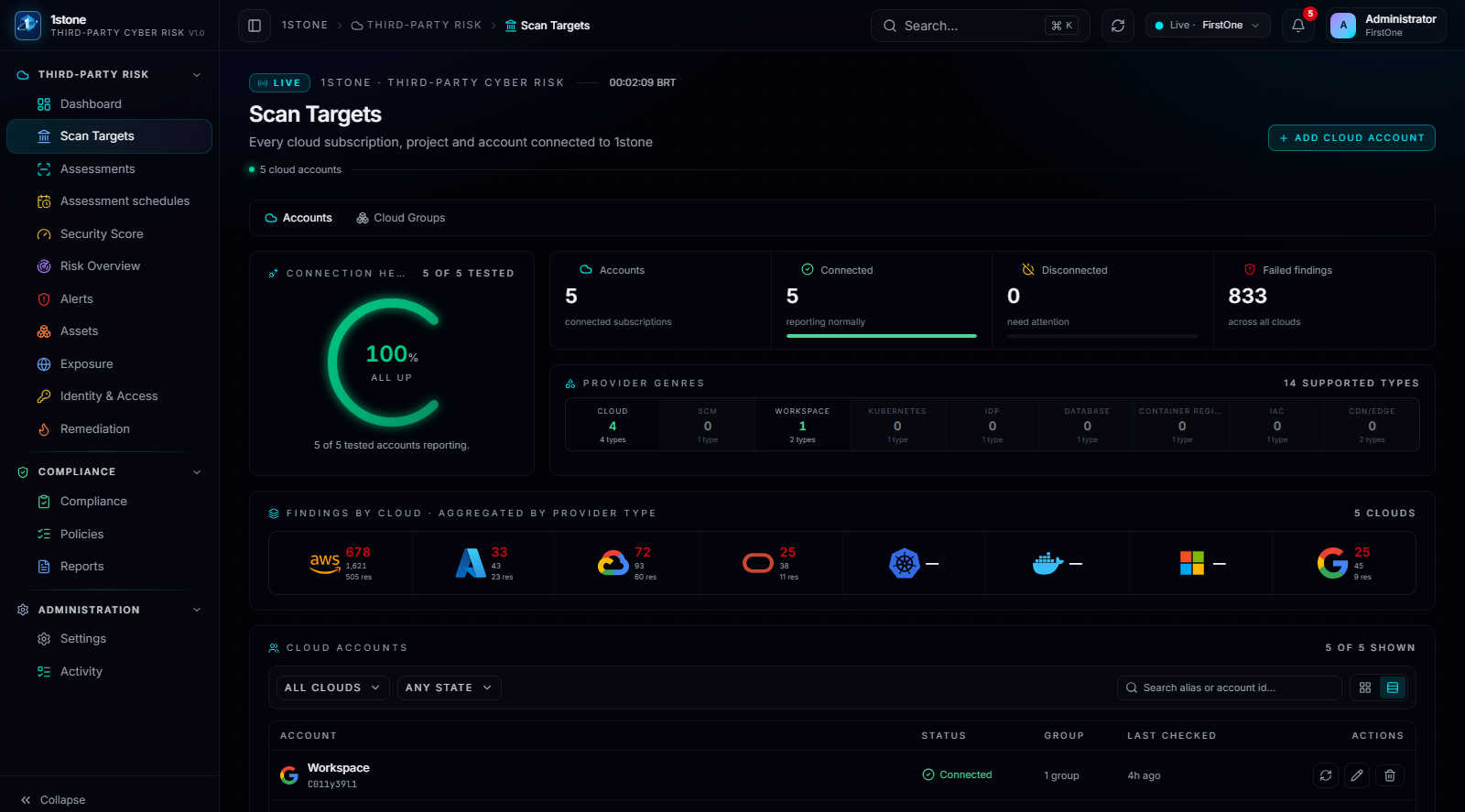
One workspace, many scan targets
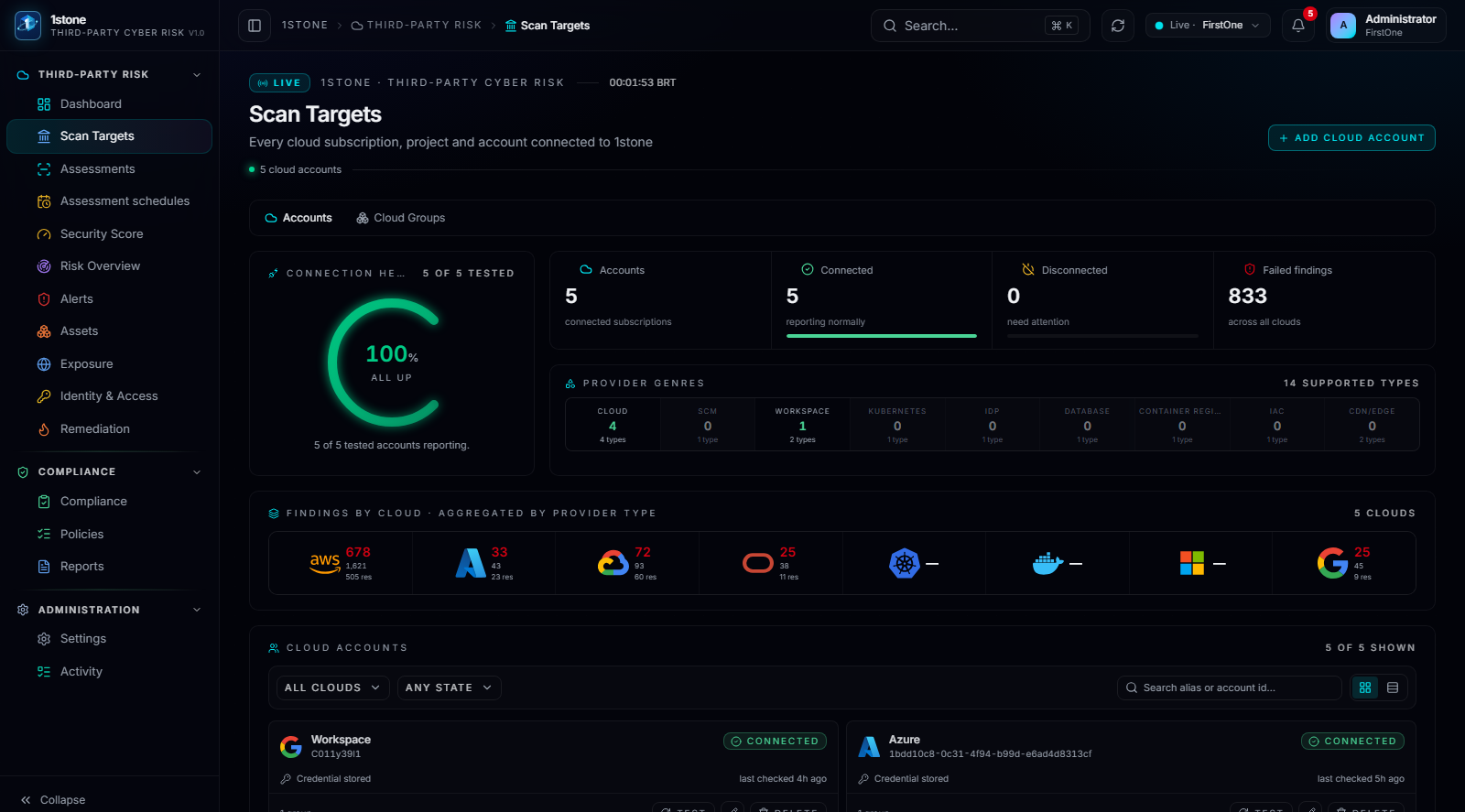
Inside its own workspace, a third party registers each account, subscription or project it wants evaluated as a scan target: an AWS account, an Azure subscription, a Google Cloud or OCI project, a Kubernetes cluster, an image registry, a Microsoft 365 tenant or a Google Workspace domain.
Each connection is tested at setup and monitored afterward, so a broken credential or a revoked role shows up as a connection-health problem before it becomes a coverage gap.
Read-only means read-only
Every connector is scoped to the minimum permission set required to read configuration, inventory and policy — never to modify, provision or delete a resource. The third party keeps full control of its own environment; the platform only observes it.
This is what makes the model deployable at scale across a portfolio of third parties without the negotiation friction that standing write access always creates.
- AWS, Azure, Google Cloud and Oracle Cloud (OCI) accounts and projects
- Kubernetes clusters and container image registries (Docker, ECR, GCR, ACR)
- Microsoft 365 and Google Workspace tenants
- Read-only credential per connector; no write access requested
Organizing accounts as they grow
A third party rarely has one account. Scan targets can be grouped, so alerts and score roll up by business unit, environment or provider instead of forcing the reviewer to open each account one by one.
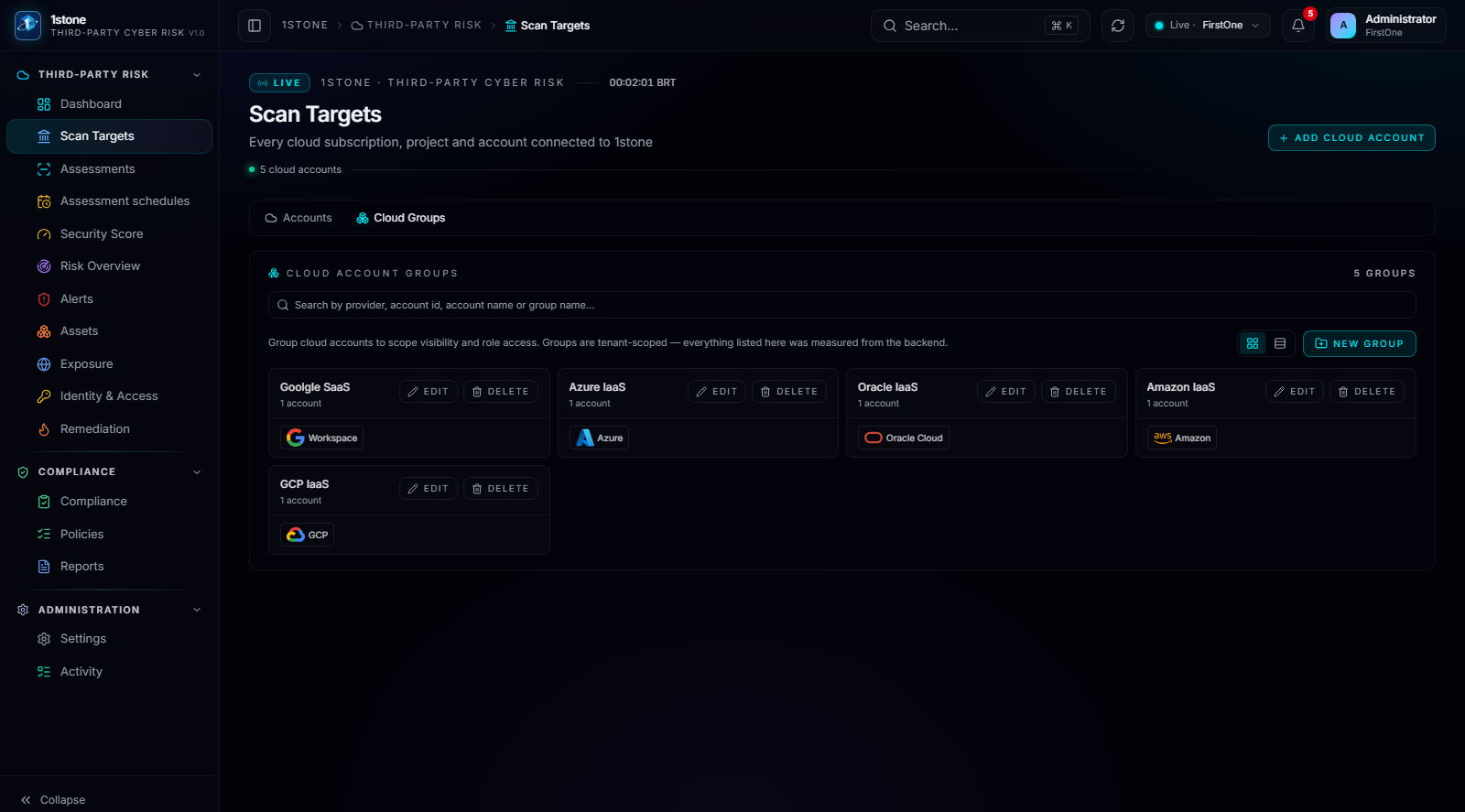
Two ways to view the same targets
A grid view suits a large portfolio where the reviewer scans for outliers; a card view suits a focused review of a handful of accounts. Both read from the same connection state.