Governance

One workspace per third party: isolation, invitation and roles at portfolio scale

A portfolio of dozens of third parties only stays manageable if every one of them sits in its own isolated workspace, with its own users, roles and audit trail.

Blog

August 2, 2026 · 10 min read

01

Isolation by design

Each third party's workspace is isolated from every other one: its own connected accounts, its own users, its own Security Score history. A contracting organization managing many third parties reviews them side by side without their evidence ever mixing.
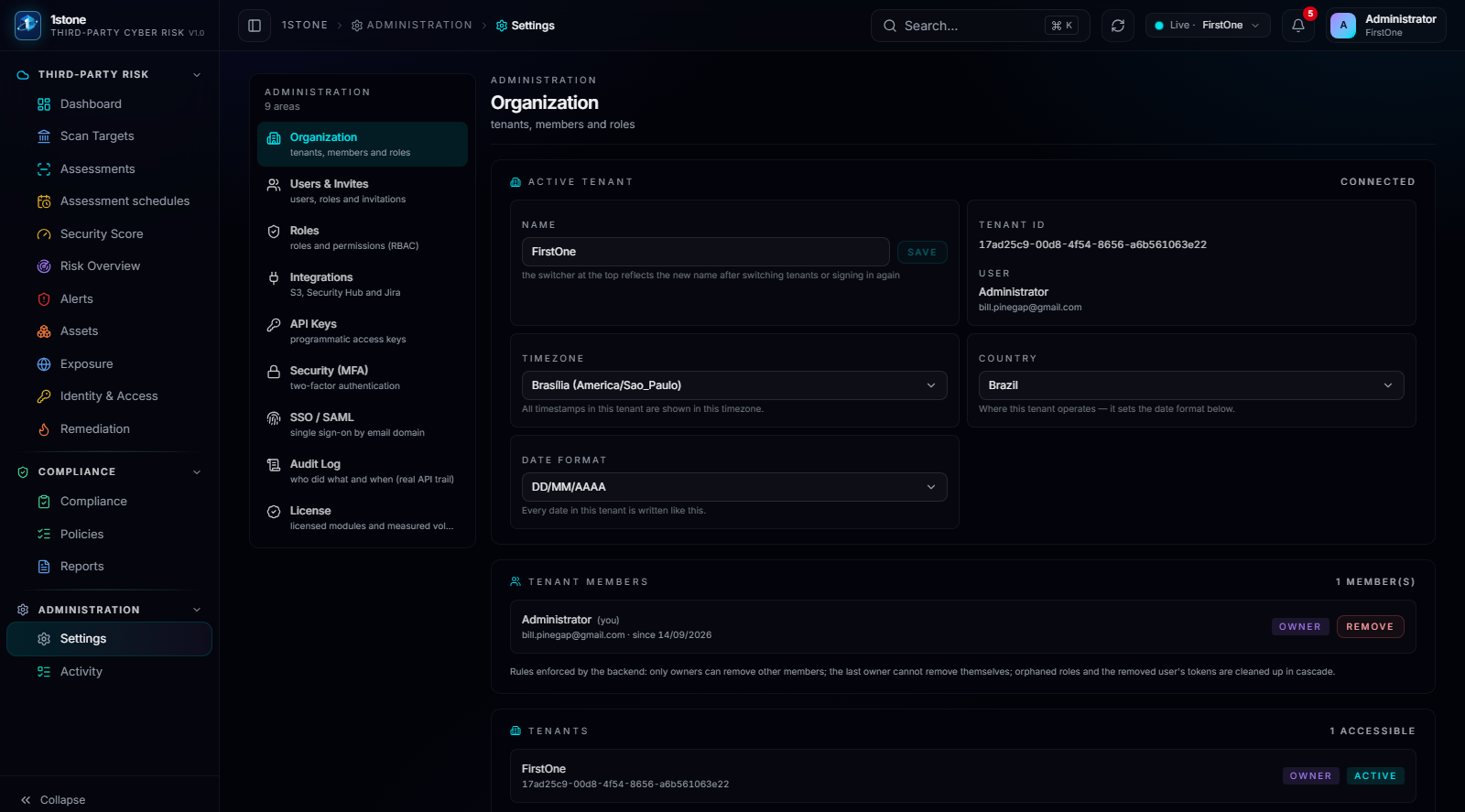
Settings — Organization: workspace identity and configuration, isolated per third party.
02

Invitation, roles and scope

The responsible contact at the third party is invited by email and self-registers into the workspace. Roles and scopes then decide who can connect a new account, who can open a case, and who can only view the report.

  • Invitation-based onboarding for the third party's own team
  • Role and scope assignment per user in the workspace
  • Every configuration change recorded in the activity log
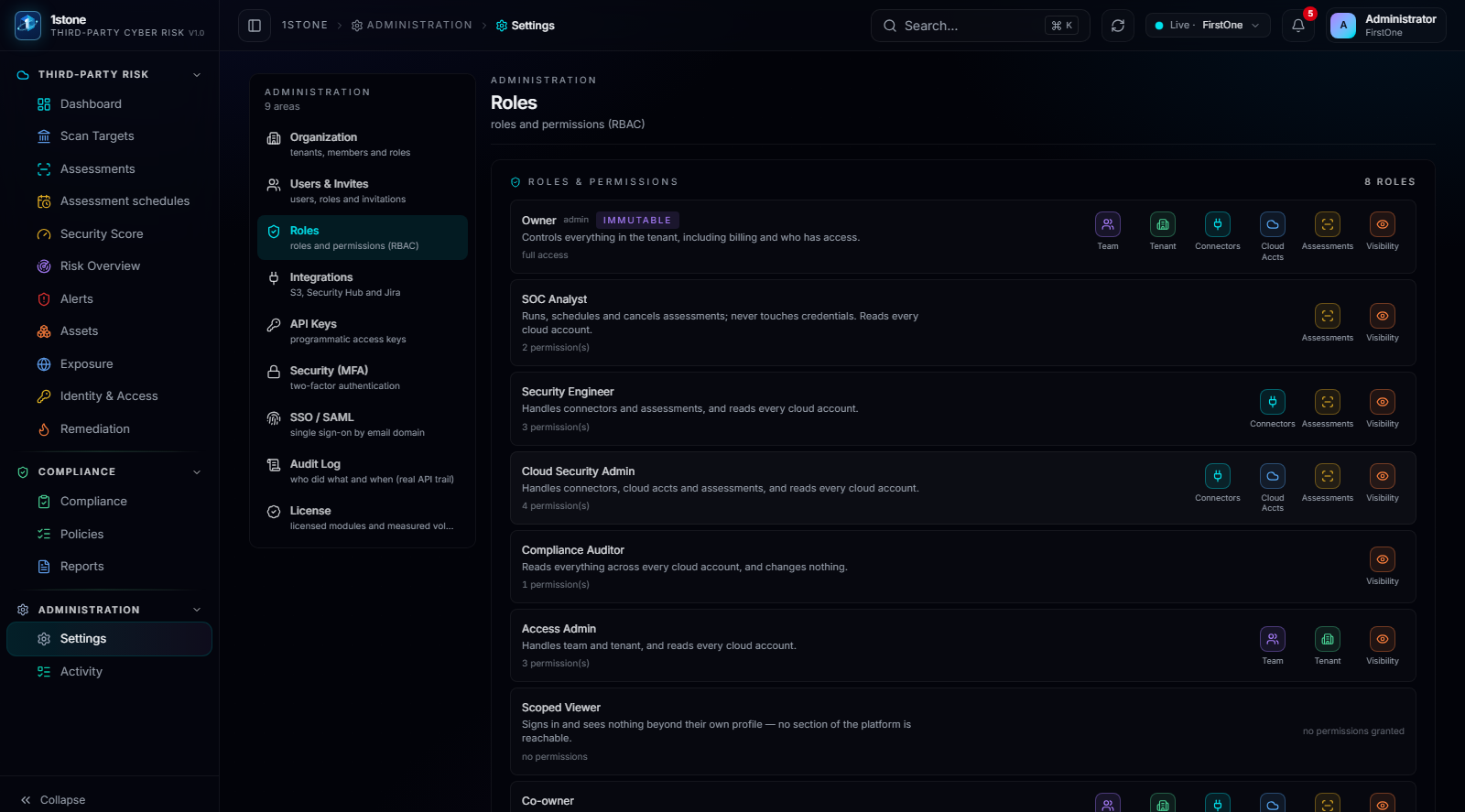
Settings — Roles: scopes and permissions assigned per user in the workspace.
03

Everything traceable

Every action inside a workspace — a new connection, a case opened, a false positive marked, a role changed — is recorded in an activity log, which is what makes the workspace defensible in front of an auditor or a committee.
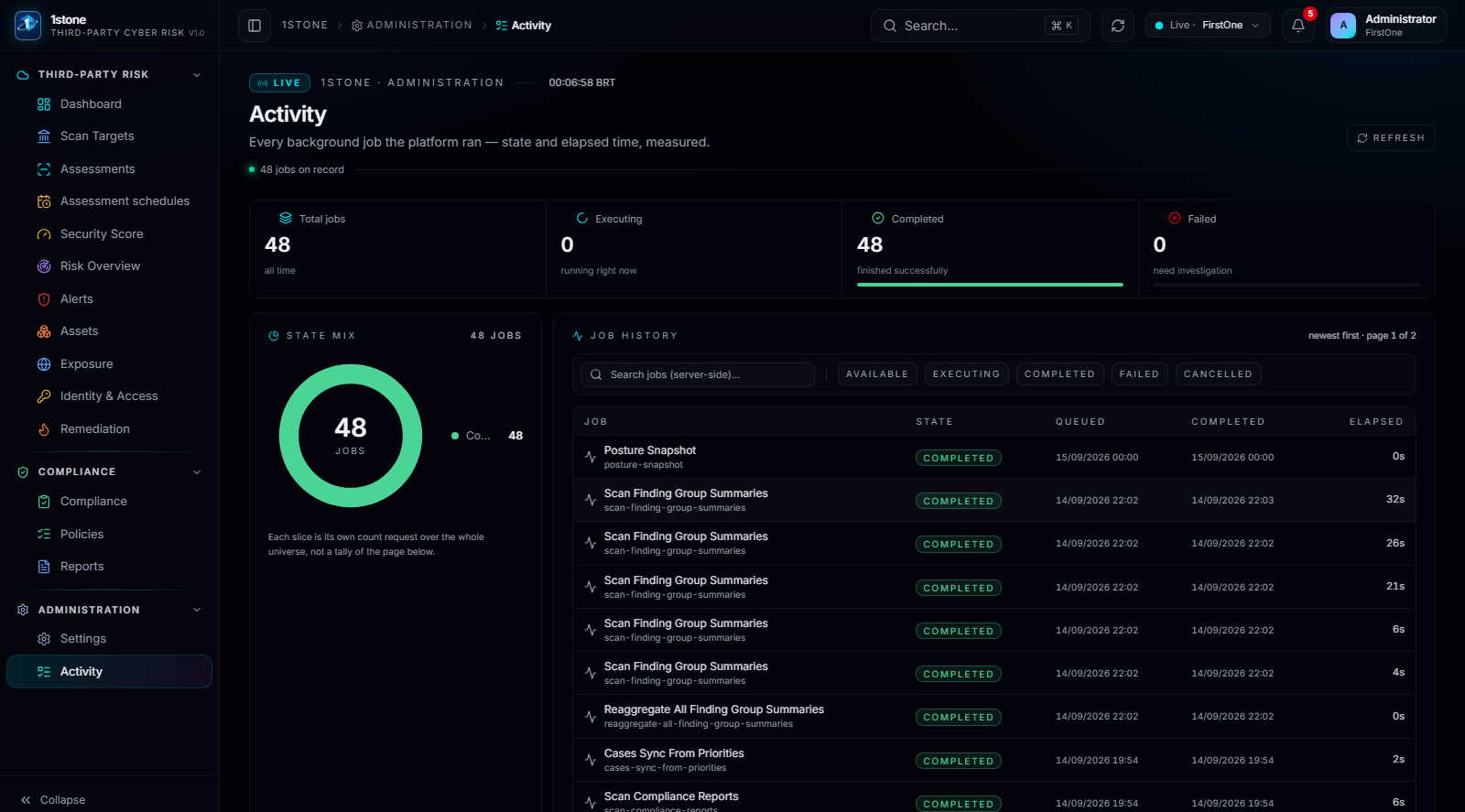
Activity: the audit trail of actions taken inside a third party's workspace.
1stone Research

Talk to the team about a third-party program

A working session against your actual third-party portfolio: how workspaces are created, which accounts get connected first, and what the Security Score looks like in week one.

Request a walkthrough